Kamae
KamaeSit tall, without thinking about it.
Kamae watches your posture through your Mac's camera and quietly turns your menu bar yellow, then red, when you start to slump. Your video never leaves your Mac.


Three seconds to set up. Then it just sits there, like you.
Show it your good posture
Sit the way you want to sit and hold it for three seconds. Kamae remembers that as your baseline — yours, not an average person's.
Get back to work
Every 30 seconds (you can change it) Kamae opens the camera for about a second and compares your neck, shoulders and distance to the screen with your baseline.
Glance at the color
The menu bar dot shifts as you drift. Stay slumped for a few minutes and you get one gentle notification. Sit for 45 minutes and it reminds you to stand.
What the camera sees stays on this Mac.
A camera pointed at you all day is a big ask. So Kamae is built so there is nothing to leak: no server, no account, no recordings.
Analysed on-device, then gone
Each frame is read in memory, turned into three numbers, and discarded. Nothing is saved and nothing is uploaded.
No account, no backend
There is no Kamae server to sign in to. Your history lives in a local file on your Mac.
Every connection, listed
Kamae goes online only to check your license, look for updates, and — only when you choose to — send an error report or feedback. Settings lists every connection it has made.
api.lemonsqueezy.com · github.com · atsumel.funbrew.ltdNo usage tracking
No analytics, no telemetry, no install IDs. We'd rather ask you than watch you.
Made for long days at the desk.
A routine you'll actually keep
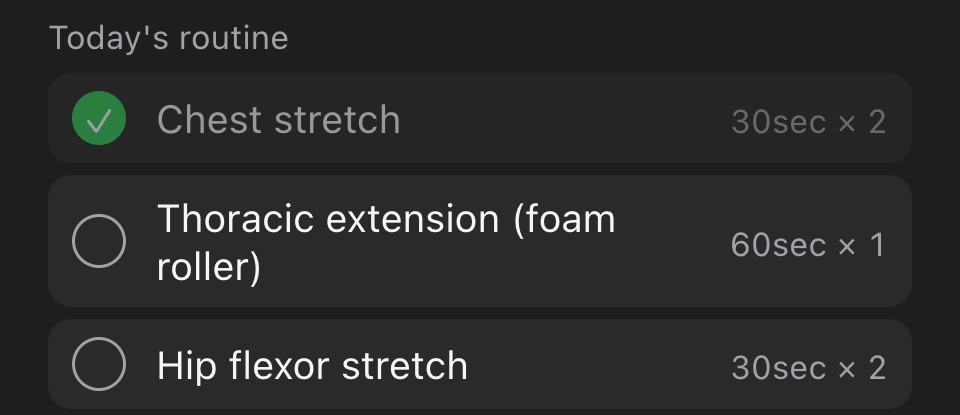
Build a short checklist of stretches or exercises — every day, or only on the days you choose. Kamae keeps it one click away in the menu bar and counts your streak.
A weekly look back
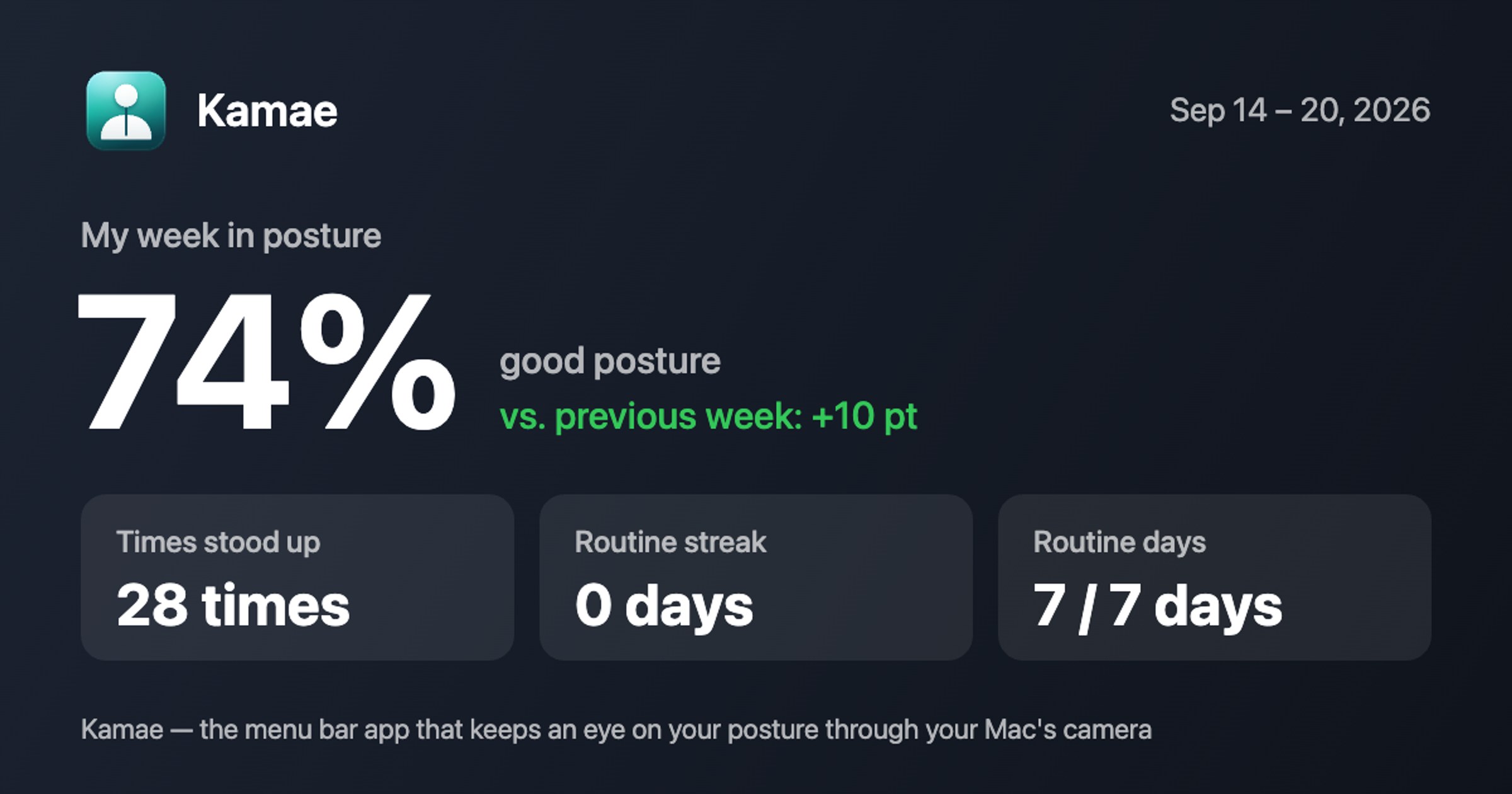
Once a week, Kamae shows how your posture went, how often you stood up and how many routine days you kept. Export it as a card to share — numbers only, never a picture of you.
Gentle, Normal, Strict
Start gentle while the habit forms. Tighten it when you're ready, or tune every number yourself.
Knows when you're away
Leave your desk and Kamae pauses. Back after a long break? It offers to recalibrate.
Works without a camera
No camera connected? Kamae still runs as a sit timer and reminds you to stand.
Speaks your language
English, 日本語, 简体中文, 繁體中文, 한국어, Deutsch, Français, Español, Português.
Pay once. No subscription.
One-time purchase, plus tax where applicable.
Buy Kamae Try it free for 14 daysSecure checkout by Lemon Squeezy, our reseller, who handles sales tax and VAT.
- Every featureNo tiers, no in-app purchases.
- One year of updatesKeep using your version for as long as you like after that.
- Up to 2 MacsOne license key covers your desk and your laptop.
- 14-day free trialThe full app, no card required.
Questions, answered.
Does Kamae record or upload video?
No. Frames are analysed in memory and thrown away immediately. Kamae never saves images or video and has no server to send them to. The camera light is on only during the brief moment it looks.
Is Kamae a medical device?
No. Kamae is a habit tool that helps you notice how you sit. It does not diagnose, treat or prevent any condition. If you have pain, please see a professional.
Which Macs does it run on?
Macs with Apple silicon (M1 or later) running macOS 11 Big Sur or later. Intel Macs are not supported.
What camera do I need?
The built-in FaceTime camera is enough. Continuity Camera with an iPhone and USB webcams work too. Without any camera, Kamae runs as a sit timer.
What happens when the trial ends?
Posture monitoring pauses until you enter a license key. Your history and settings stay where they are.
How do I get help?
Email [email protected], or use Feedback in Kamae's settings.